Theme
Light & Dark Mode
N2E ships with both a dark and light theme. The product defaults to dark mode for low-light operations centers; light mode is recommended for daytime daylight work.
How to switch
Click the sun / moon icon at the top right of any screen.
The toggle is available everywhere — on the public landing page, the authentication screen, and inside the dashboard.
| Mode | Recommended for |
|---|---|
| Dark | Night ops, control rooms, OLED displays |
| Light | Daytime, printable views, projected screens |
Examples
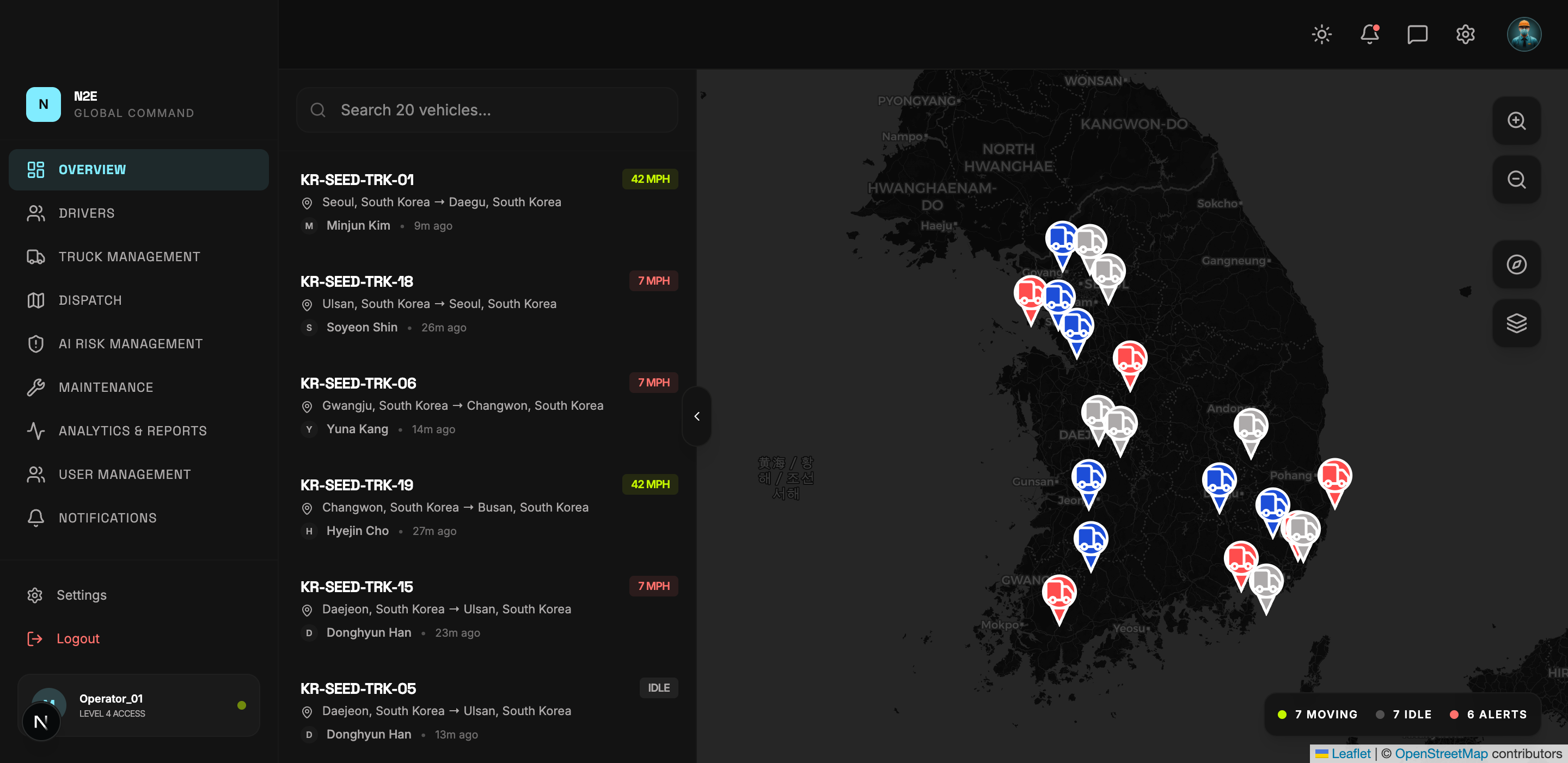
Dashboard in dark mode:
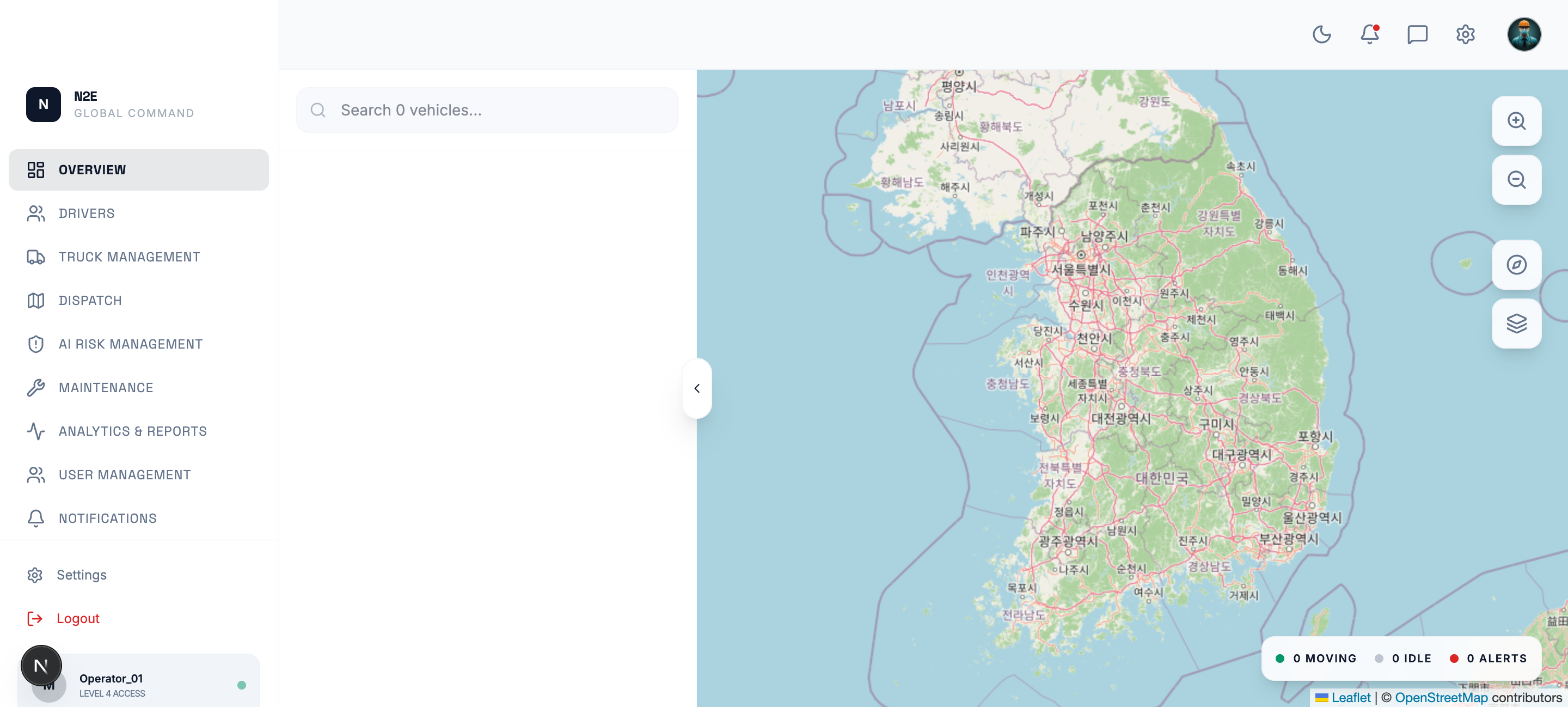
Dashboard in light mode:
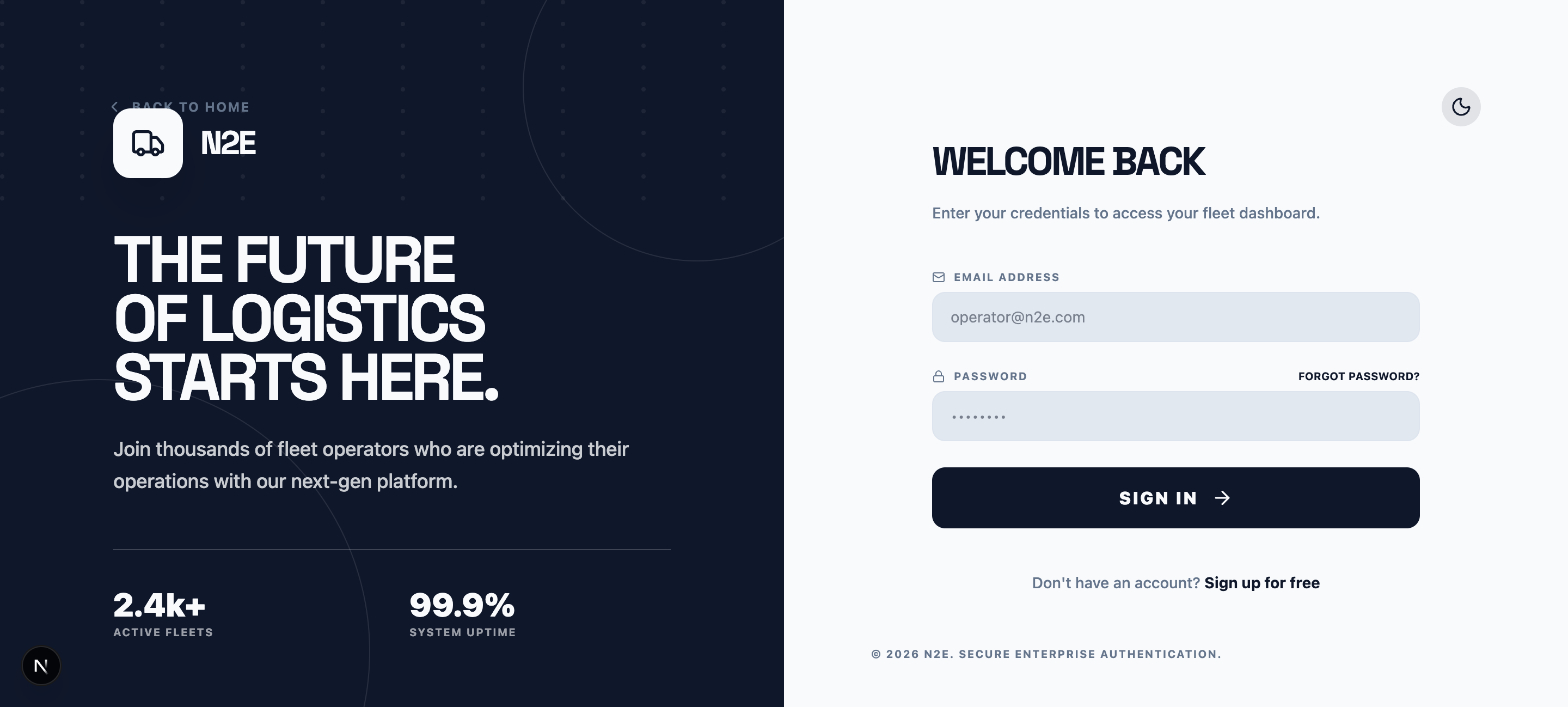
Sign-in screen in light mode:
This documentation
You can also switch the documentation site between light and dark with the theme button at the top of this site.