Theme
Logs & Audit
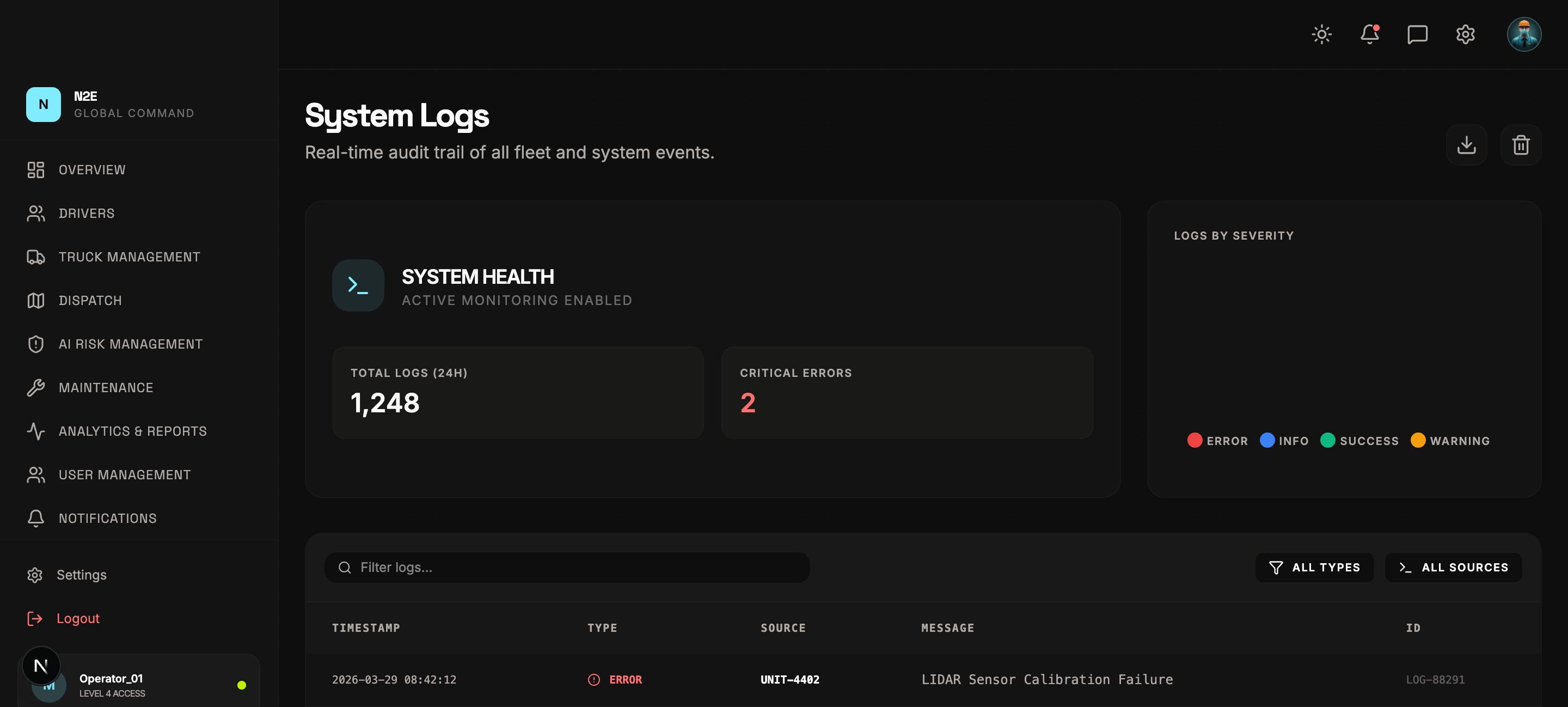
The Logs module is a chronological event stream of everything happening in your tenant: sign-ins, ticket creation, alerts, dispatch changes and admin actions.
Use cases
- Compliance — produce a complete audit trail for regulators.
- Forensics — investigate exactly what happened around an incident.
- Operations — see which dispatcher made which change.
Filtering
Logs can be filtered by:
- Time range — last hour, day, week, custom.
- Severity — Info, Warning, Critical.
- Source — the originating service (auth, dispatch, maintenance, telemetry, …).
- Actor — the user or driver who triggered the event.
- Free text — search across the entire row.
Inspecting an event
Click any row to expand the full payload. You will see the structured event body (JSON), the originating IP / device, and any correlated events surfaced by the AI risk engine.
Exporting
The EXPORT button at the top of the table writes the current filtered set to CSV. For long retention windows, use the Analytics module's data export tab to schedule a rolling export.