Theme
Account Settings
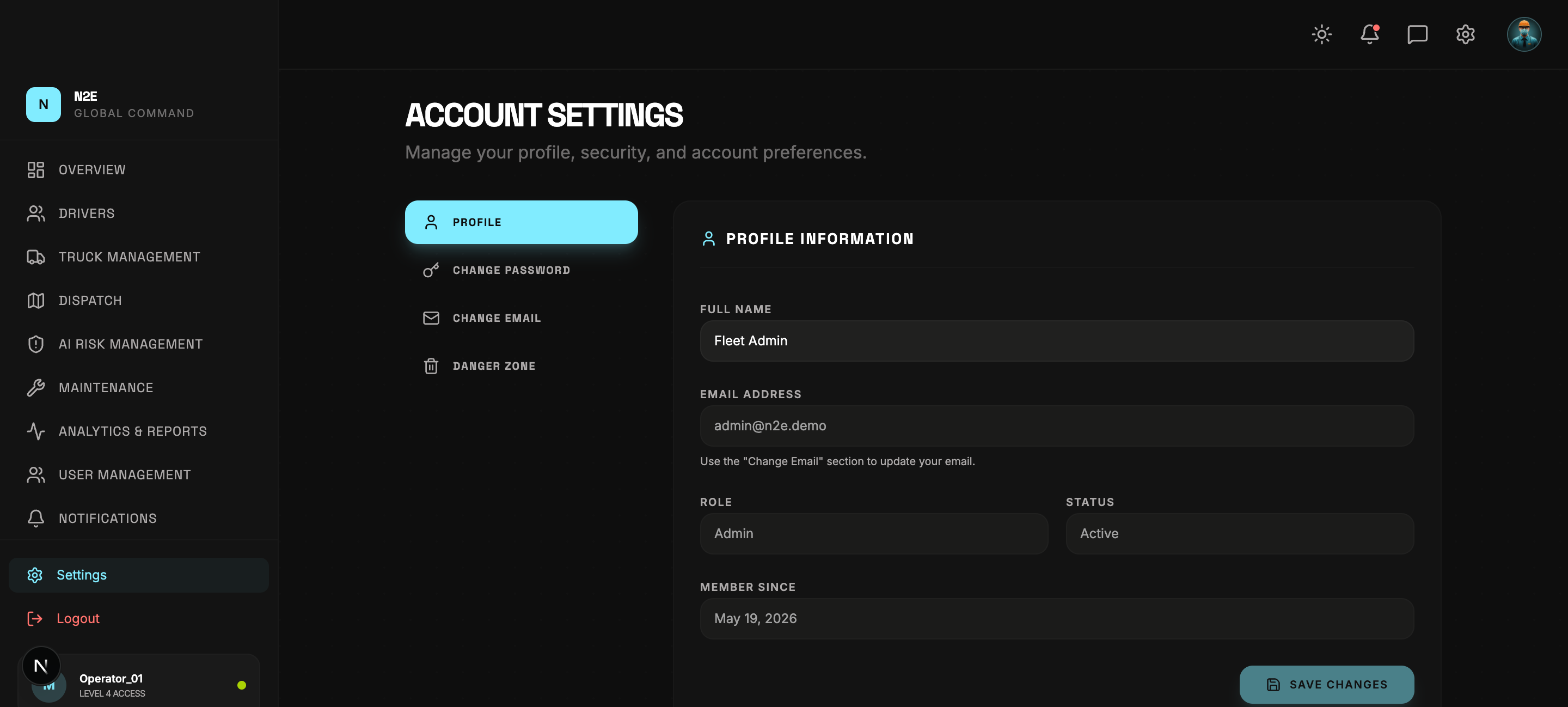
The Settings page is where you manage your own profile, password, email and account safety.
Sections
The left rail of the Settings page exposes four sections:
- PROFILE
- CHANGE PASSWORD
- CHANGE EMAIL
- DANGER ZONE
Profile
Edit your full name and view immutable fields (email, role, status, member-since date). Click SAVE CHANGES to commit edits — the button stays disabled until you actually change something.
Change password
- Enter your current password.
- Enter the new password twice.
- Click UPDATE PASSWORD.
Your other sessions are invalidated; sign in again on each device.
Change email
- Enter the new email address.
- Enter your current password to confirm.
- Click REQUEST CHANGE.
A confirmation code is sent to the new address. Enter the code to complete the change. The new address takes over on the next sign-in.
Danger zone
The danger zone contains destructive operations:
- Disable account — temporarily suspend the account.
- Delete account — permanent deletion (admin approval required for tenant owners).
Both require a typed confirmation phrase to prevent accidents.