Theme
Password Recovery
If you have forgotten your password, you can reset it from the sign-in screen.
Request a reset link
From the sign-in screen, click FORGOT PASSWORD? above the password field.
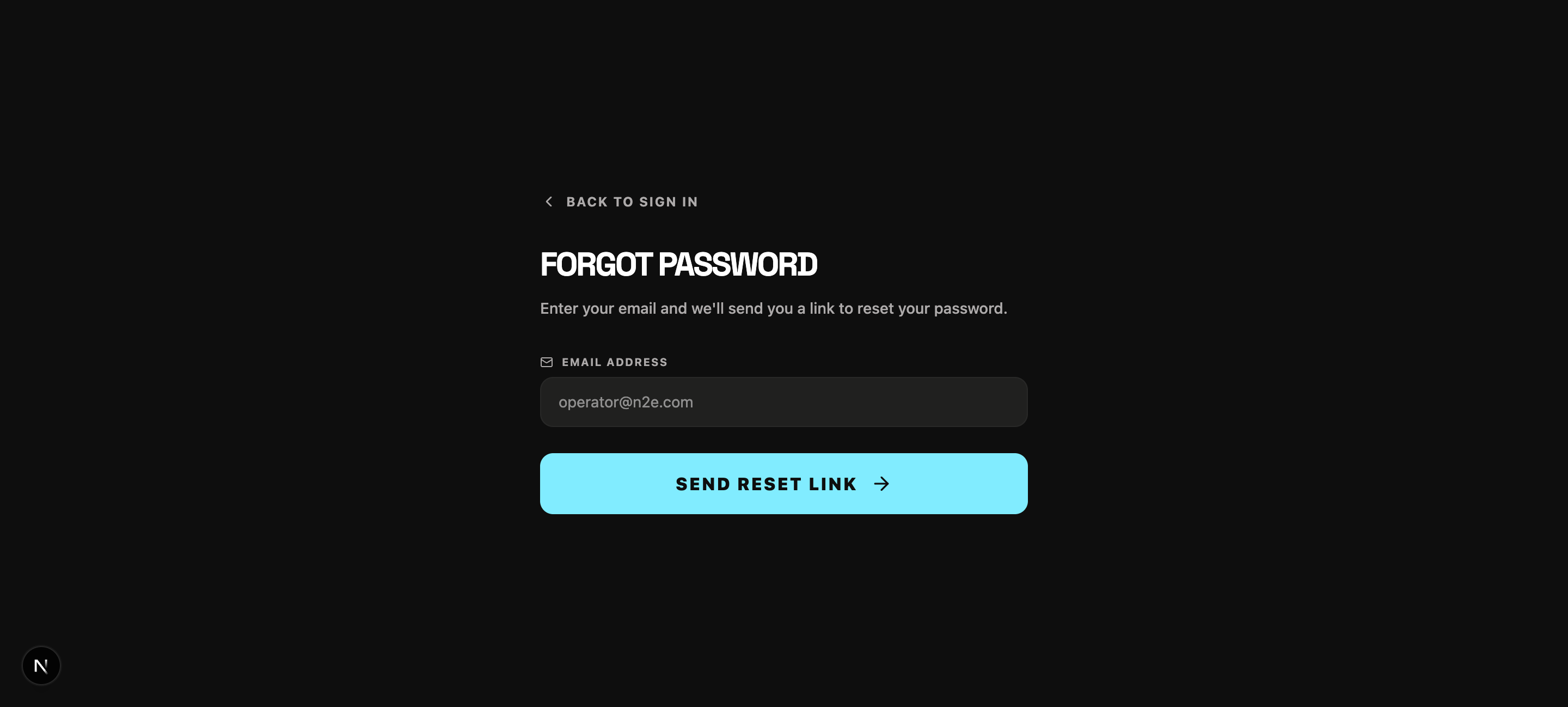
- Enter the email address associated with your account.
- Click SEND RESET LINK.
If the address exists in our system, a reset link is emailed to you. For privacy, the same confirmation message is shown whether or not the address is found.
Reset the password
Open the email and click the reset link. It carries a single-use token and brings you to this screen:
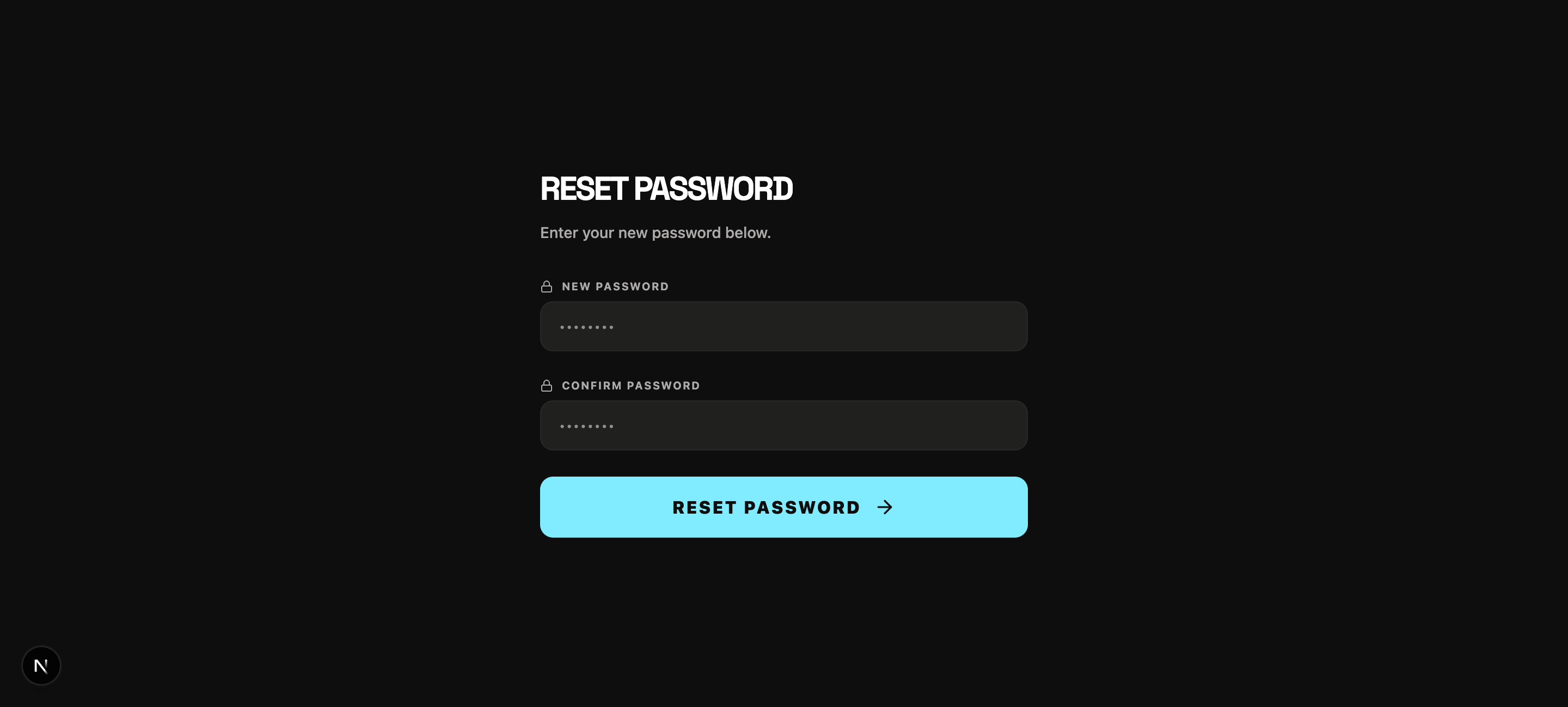
- Enter your new password.
- Confirm it in the second field.
- Click RESET PASSWORD.
You are signed out of all existing sessions and returned to the sign-in screen. Sign in again with the new password.
Token expiry
Reset links expire after a short window. If your link is rejected, request a new one from the forgot-password screen.