Theme
AI Risk Management
The AI Risk module ingests live telemetry and surfaces alerts that may indicate a future failure or incident.
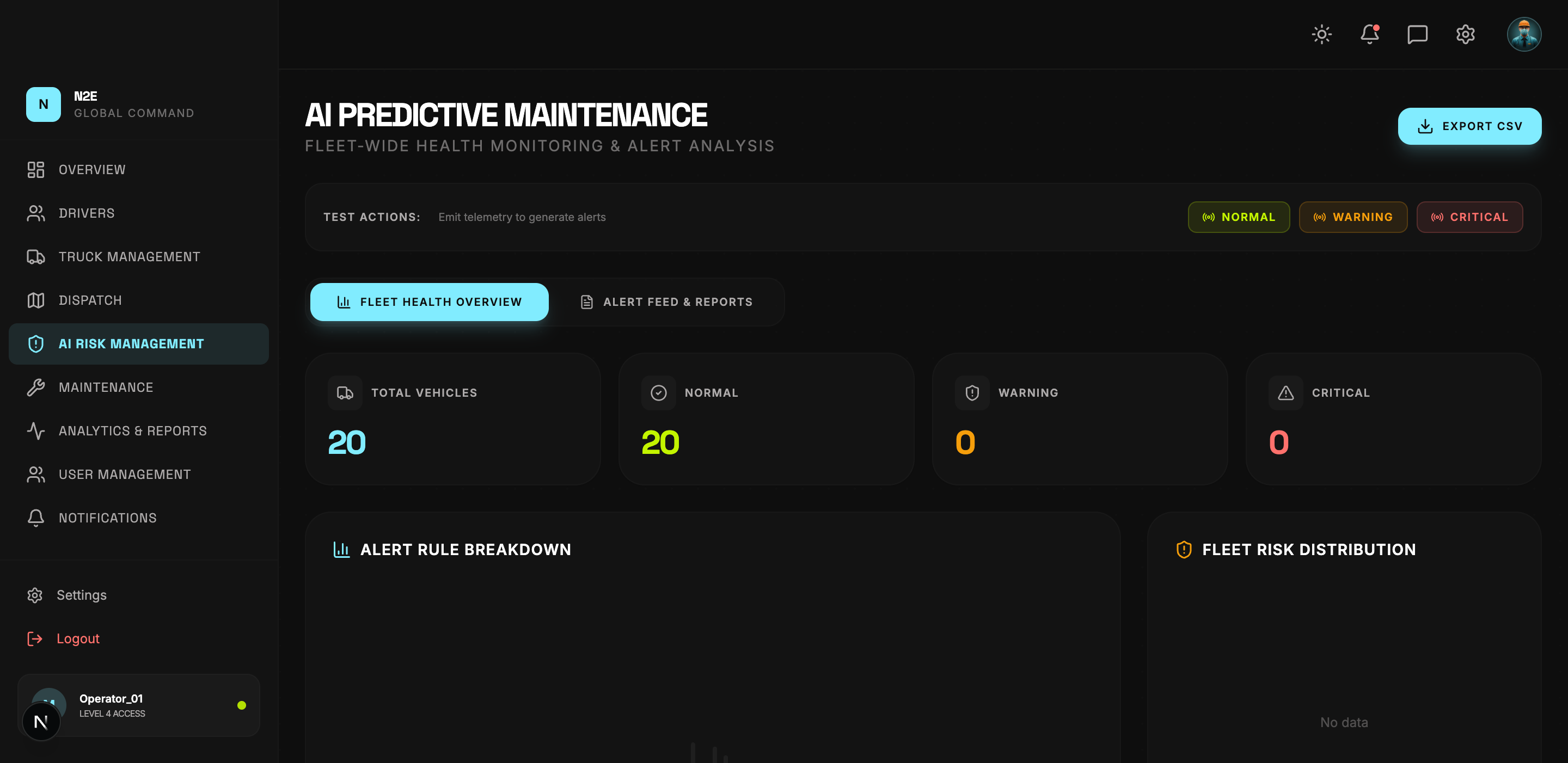
Layout
The page has two tabs:
- FLEET HEALTH OVERVIEW — aggregate health view, rule breakdown, distribution charts, radar chart, and recent alerts.
- ALERT FEED & REPORTS — chronological feed of every alert and the AI-generated reports tied to them.
Health overview
| Region | Purpose |
|---|---|
| Header counters | Total vehicles / Normal / Warning / Critical. |
| Alert rule breakdown | Frequency of each rule firing. |
| Fleet risk distribution | Pie chart of risk classes. |
| Critical / Warning / Total cards | Quick alert counts. |
| Fleet health radar | Multi-axis health snapshot. |
| Recent alerts | Last N alerts with severity, time and source. |
Test actions
Three test buttons at the top of the page (NORMAL, WARNING, CRITICAL) are used during development and demos to emit synthetic telemetry. They are disabled in production-only modes.
Severity levels
| Severity | Meaning |
|---|---|
| Normal | No action required. |
| Warning | Watch — schedule maintenance soon. |
| Critical | Immediate intervention required. |
Critical alerts are also surfaced in the Notifications center and via the global bell icon.
Exporting
The EXPORT CSV button downloads the current alert feed including severity, rule, vehicle, driver, and timestamp.